Tunenoodle
Free browser audio-to-MIDI converter and MIDI editor, plus AI music generation.
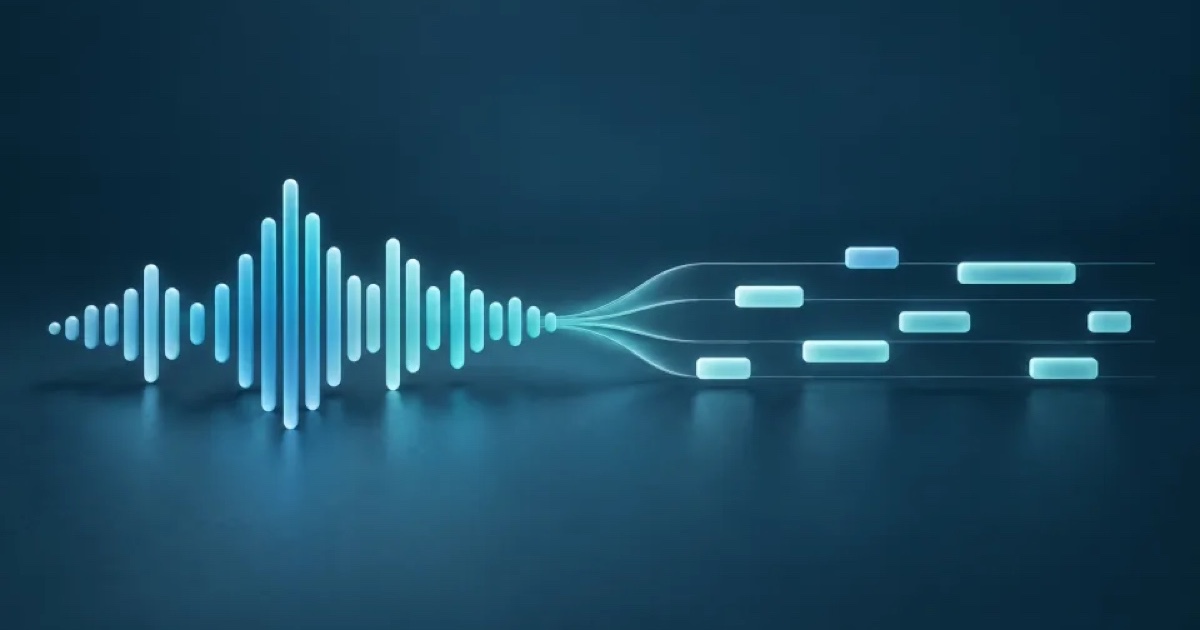
Combines AI song generation with 30+ free no-account browser tools (audio to MIDI, MIDI editor, tap tempo, and more) in one site, with a multilingual UI.
Tunenoodle review
Who it's for
Tunenoodle is a browser-based music workspace in the Video & Audio category. Its audio-to-MIDI converter suits musicians who want to turn a hummed idea, instrumental riff, or chord passage into editable notes for a DAW. It is best approached as a transcription starting point for clear melodies or individual pitched instruments, rather than a way to reconstruct an entire mixed recording.
Key features
- Audio-to-MIDI transcription: Upload MP3, WAV, M4A, AAC, FLAC, OGG, or WebM audio, subject to browser codec support, or record through a microphone.
- Local processing: Conversion runs on the device without uploading the audio. The transcription model downloads on first use.
- Adjustable detection: Controls cover sensitivity, minimum note length, and MIDI export tempo. Changing the tempo sets the export grid without changing the recorded timing.
- Preview and export: Listen to the result and download a standard MIDI file. Detected pitches, including overlapping chord notes, are written to one MIDI note track.
- Broader music toolkit: The site also lists a MIDI editor, AI music generation, stem splitter, tap tempo, chord analyzer, and other tools, with a multilingual interface.
Pricing
The audio-to-MIDI converter is free, requires no sign-up, and uses no credits. Pricing for the broader workspace is listed on the website; the supplied material does not specify paid plans or rates.
Pros and cons
Pros - Local audio processing and no account requirement lower the barrier to trying the converter. - Detection controls help balance quiet-note capture against unwanted notes. - Standard MIDI export lets users continue editing in their DAW.
Cons - Files must meet both the 20 MB and five-minute limits. - Drum transcription and instrument separation are not supported by the converter. - Longer recordings and slower devices take more time; detected notes may need manual correction.
Verdict
Tunenoodle offers a practical route from a short recording to editable MIDI, with clearly stated limits. Its strongest fit is capturing musical ideas or transcribing isolated pitched parts. Users working with complete mixes should separate those parts first and expect to review note lengths, pitches, and overlaps afterward.
Tunenoodle alternatives
Similar Video & Audio tools listed on WebSoftReview.
- Aimake VideosPick a trend, add your photo, tap once — get a vertical video with sound for TikTok, Reels
- Seedance 2.5 AI Video GeneratorGenerate videos up to 30 seconds long from prompts, images, video clips, and audio.
- TTS Studio AIAI text-to-speech generator that turns written text into natural voiceovers with 1,500+
- AccurateScribeAI transcription software that turns audio and video into text for professionals.
- VidMageCreate AI videos and images in your browser.
- AirapSongAI song and rap video studio: make songs from prompts or lyrics, generate cover art, and t
Questions & comments
Ask the maker of Tunenoodle a question or share your experience.
- No comments yet. Start the conversation.
Are you the maker of Tunenoodle?
Add this badge to your website so visitors can find your listing.

<a href="https://websoftreview.com/product/tunenoodle" target="_blank" rel="noopener"><img src="https://websoftreview.com/badge.svg" alt="Tunenoodle on WebSoftReview" width="200" height="54" /></a>