ColorKit
Generate color palettes, build CSS gradients, and check color contrast online.
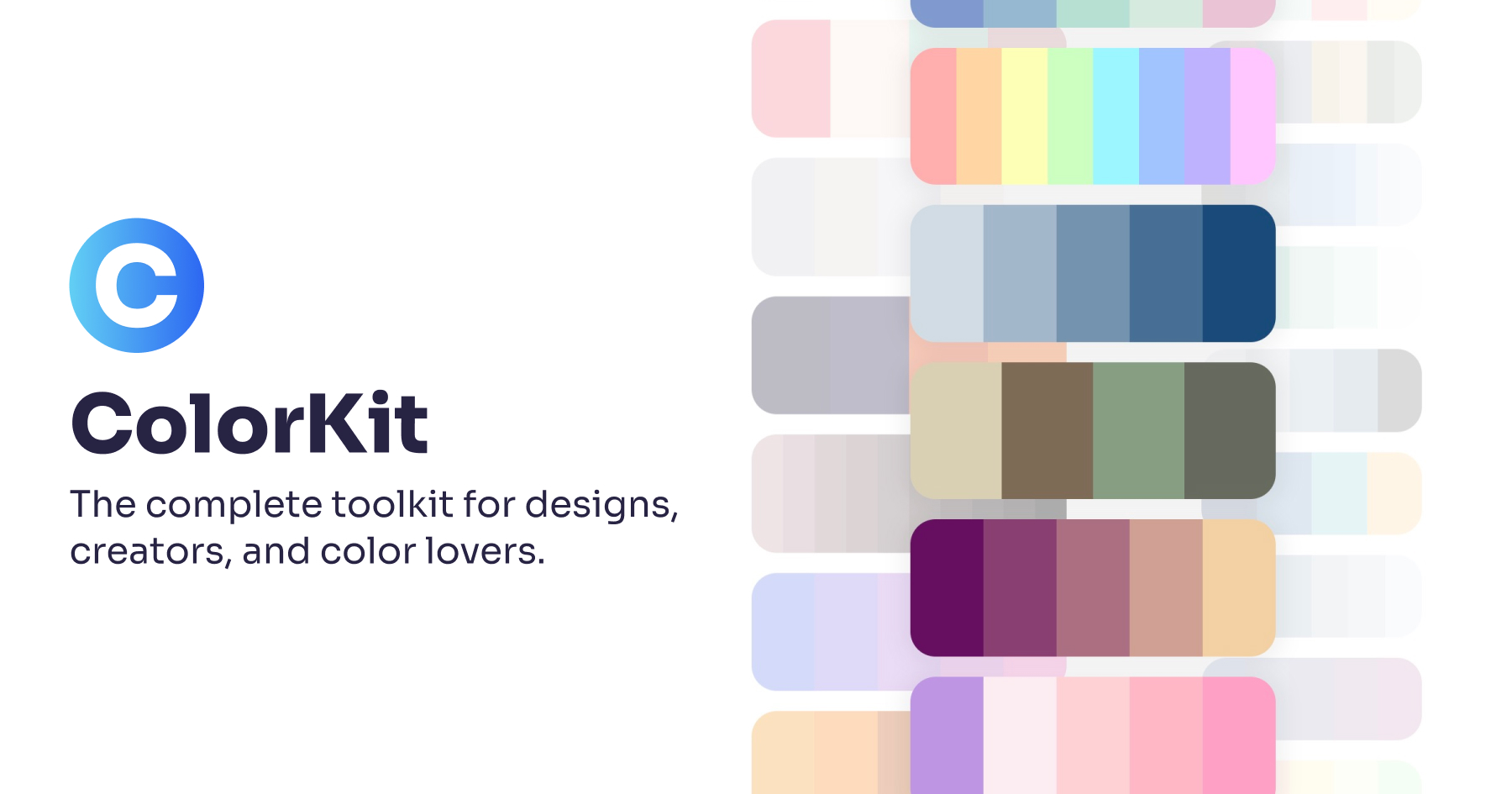
ColorKit combines 90,000+ ready-made palettes with free color tools that require no sign-up. Designers can extract palettes from photos, recolor SVGs, mix colors like paint, and check contrast using both WCAG and APCA with suggested fixes. A free account lets users save palettes and gradients.
ColorKit review
Who it's for
ColorKit is a browser-based collection of color tools for designers and artists. It suits work that starts with finding a palette and continues into refining shades, creating gradients, or checking text contrast. Developers working with CSS gradients may also find it useful.
The main appeal is having several related tasks in one place, with no sign-up required for the free tools. A free account adds the ability to save palettes and gradients.
Key features
- Palette discovery and generation: Browse more than 90,000 ready-made palettes, explore collections by color, or generate a palette and lock and tweak individual colors.
- Image and SVG tools: Extract a palette from a photo or recolor an SVG file.
- Gradient creation: Build CSS gradients or generate evenly spaced colors between two endpoints.
- Contrast checking: Check color combinations using WCAG and APCA, with suggested fixes.
- Color refinement: Create tints and shades, pick colors in different formats, and mix colors using a paint-like approach.
- Supporting resources: Explore a color library, HTML color names, Tailwind colors, a color wheel, and background-making tools. A color memory game provides a separate activity alongside the utilities.
Pricing
ColorKit describes its color tools as free, with no sign-up needed. A free account lets users save palettes and gradients. The supplied information does not describe paid plans.
Pros and cons
Pros - Covers palette inspiration, color adjustment, and contrast checks in one website. - Tools can be used without creating an account. - Contrast checking includes both WCAG and APCA, plus suggested fixes.
Cons - Saving palettes and gradients requires an account. - The supplied descriptions leave details such as export options and saved-library organization unclear.
Verdict
ColorKit is a practical Staff Picks candidate for people who regularly move between palette selection and color preparation for web design. Its combination of a large palette collection and focused utilities gives it a clear role as a color-work companion. The available information supports that use case, though it does not establish how well the saving and export workflows accommodate more involved projects.
ColorKit alternatives
Similar Staff Picks tools listed on WebSoftReview.
Questions & comments
Ask the maker of ColorKit a question or share your experience.
- No comments yet. Start the conversation.
Are you the maker of ColorKit?
Add this badge to your website so visitors can find your listing.

<a href="https://websoftreview.com/product/colorkit" target="_blank" rel="noopener"><img src="https://websoftreview.com/badge.svg" alt="ColorKit on WebSoftReview" width="200" height="54" /></a>