Pomofocus
A customizable Pomodoro timer with task estimates and focus reports for desktop and mobile
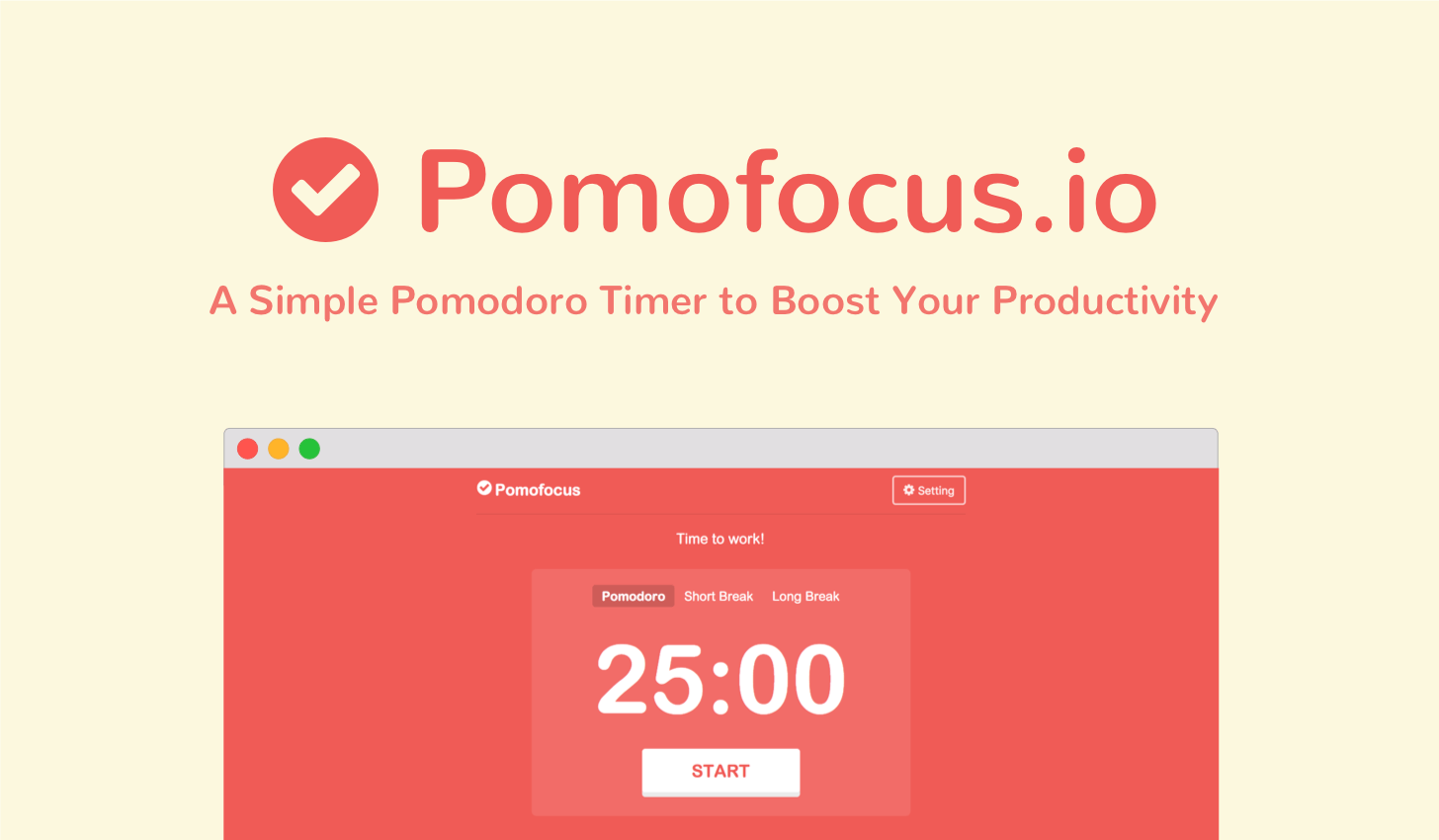
Pomofocus combines a browser-based Pomodoro timer with task estimates, projected finish times, reusable task templates, and daily, weekly, and monthly focus reports. You can customize work and break intervals, alarms, and background sounds. Premium features add project tracking, CSV exports, Todoist integration, and webhooks.
Pomofocus review
Who it's for
Pomofocus is a browser-based timer for people who want to structure study, writing, coding, or other tasks into focused work sessions and breaks. It works in desktop and mobile browsers, with downloadable apps also available for Mac, Windows, and Linux.
Its task estimates and projected finish times make it relevant to users who want to plan a day’s work, rather than simply run a countdown. The workflow follows the Pomodoro Technique: add tasks, estimate the sessions each will take, select a task, and alternate focus periods with breaks.
Key features
- Task estimates and finish times: Assign estimated pomodoros to tasks and see an estimate of when your daily work will be complete.
- Reusable templates: Save repetitive tasks for one-click reuse. Premium removes the three-template limit.
- Focus reports: Review focused time by day, week, and month. Premium adds yearly reports and CSV downloads of focus history.
- Timer customization: Adjust work and break durations, alarm sounds, and background sounds.
- Premium connections: Load tasks from Todoist and use webhooks to connect with other apps, including Zapier and IFTTT.
- Premium project tracking: Track time spent on individual projects.
Pricing
Pricing is listed on the website. The supplied product information distinguishes basic and premium features but does not state subscription amounts or billing terms. Premium includes project tracking, expanded reporting, unlimited templates, integrations, and an ad-free experience.
Pros and cons
Pros - Combines a focus timer with daily task planning and retrospective reports. - Supports customized intervals and sounds rather than requiring the traditional schedule. - Works in desktop and mobile browsers.
Cons - Project tracking, CSV exports, and integrations require premium. - Basic template storage is limited to three. - The Windows download is unsigned and may trigger a safety warning.
Verdict
Pomofocus is a focused choice for users who want a timer tied to a manageable task-planning routine. Its basic reporting and customization support everyday use, while premium is more relevant for project-level tracking, exports, and connected workflows. Users considering the Windows app should note the disclosed signing limitation.
Pomofocus alternatives
Similar Staff Picks tools listed on WebSoftReview.
Questions & comments
Ask the maker of Pomofocus a question or share your experience.
- No comments yet. Start the conversation.
Are you the maker of Pomofocus?
Add this badge to your website so visitors can find your listing.

<a href="https://websoftreview.com/product/pomofocus" target="_blank" rel="noopener"><img src="https://websoftreview.com/badge.svg" alt="Pomofocus on WebSoftReview" width="200" height="54" /></a>