3dfile
Free browser tool to open and inspect STL files online, no install.
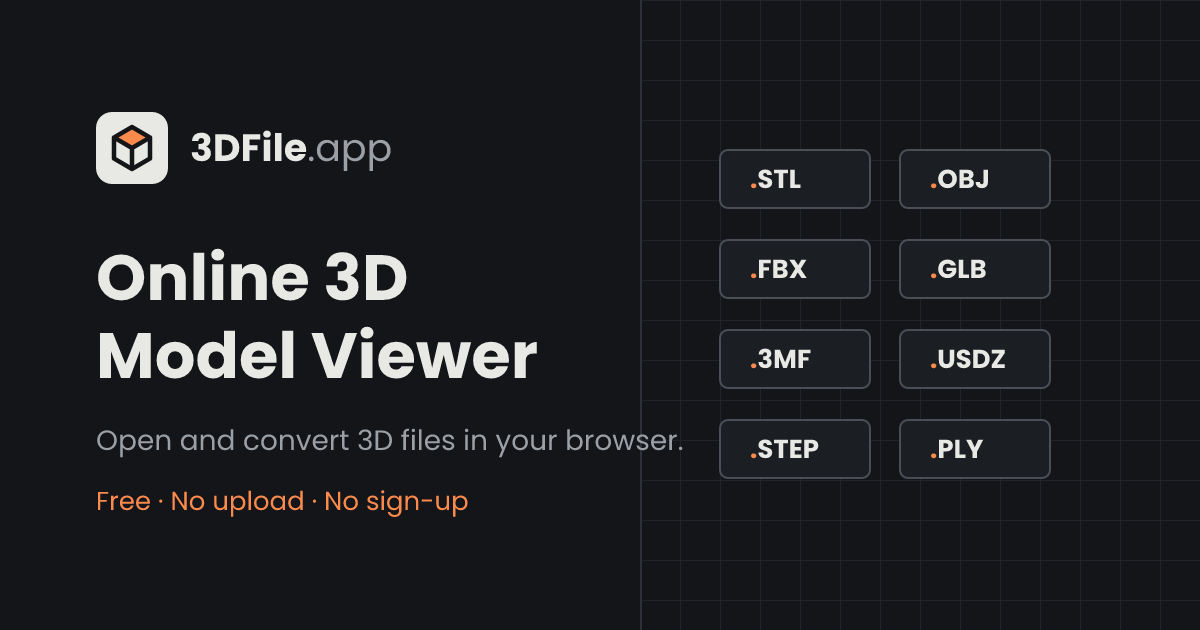
3dfile lets you open an STL file in a regular browser to rotate, zoom and inspect the mesh, with no software install and no account. That is useful when you have just received a model and want to check the geometry before slicing or printing. The same site also includes a 3D model converter for common format changes.
3dfile review
Who it's for
3dfile is a browser-based design tool for people who need to inspect an STL model before moving it into a slicer or modeling application. It suits 3D printing users checking downloaded files, designers reviewing geometry, and anyone opening a model received from a customer.
Its role is visual inspection rather than mesh repair: you can examine a model’s shape, size and orientation, but fixes belong in a slicer or modeling tool.
Key features
- ASCII and binary STL support: Opens both STL variants without requiring users to identify the file type first.
- Interactive inspection: Rotate and zoom around the model, enable wireframe, and check bounding-box size and triangle count in the information panel.
- Local file handling: According to the website, files are read on your computer rather than uploaded. No installation or account is required.
- Orientation controls: STL files open Z-up by default. A toggle switches the view to Y-up without modifying the source file.
- Format conversion: “Download as” offers OBJ, GLB, glTF, PLY and USDZ. The site also provides dedicated converter pages.
- Some STL color support: The viewer displays per-face colors written by certain programs into binary STL files, although color is not part of the standard format.
Pricing
The STL viewer is listed as free. The supplied information does not specify separate pricing for the site’s conversion tools.
Pros and cons
Pros - Local processing avoids uploading models for inspection. - Supports both STL variants and provides useful mesh information. - Orientation and wireframe controls help investigate unexpected appearances.
Cons - Does not repair geometry; identified issues need another tool. - STL does not store units, so displayed dimensions require interpretation. - Conversion cannot recover textures, UV coordinates or other information absent from the source.
Verdict
3dfile is a focused option for checking STL files without setting up desktop software. Its inspection controls and local processing make it useful for preliminary review. Treat it as a way to understand a model before further work, not as confirmation that the mesh is ready to print.
3dfile alternatives
Similar Design Tools tools listed on WebSoftReview.
- CameraWatermarkFree EXIF camera watermark & frame maker — elegant gallery styles, local-only processing.
- HEIC.bestFree online HEIC converter — JPG, PNG, PDF and viewer in your browser
- Free HEIC to JPG ConverterFree HEIC to JPG Converter
- OldPhotoLive AIRestore, colorize, and animate old family photos with AI.
- PinumoFree screenshot tool for Chrome and Windows
- Easy Tile CalculatorPreview tile rows and edge cuts before installing tile.
Questions & comments
Ask the maker of 3dfile a question or share your experience.
- No comments yet. Start the conversation.
Are you the maker of 3dfile?
Add this badge to your website so visitors can find your listing.

<a href="https://websoftreview.com/product/3dfile" target="_blank" rel="noopener"><img src="https://websoftreview.com/badge.svg" alt="3dfile on WebSoftReview" width="200" height="54" /></a>