Easy Tile Calculator
Preview tile rows and edge cuts before installing tile.
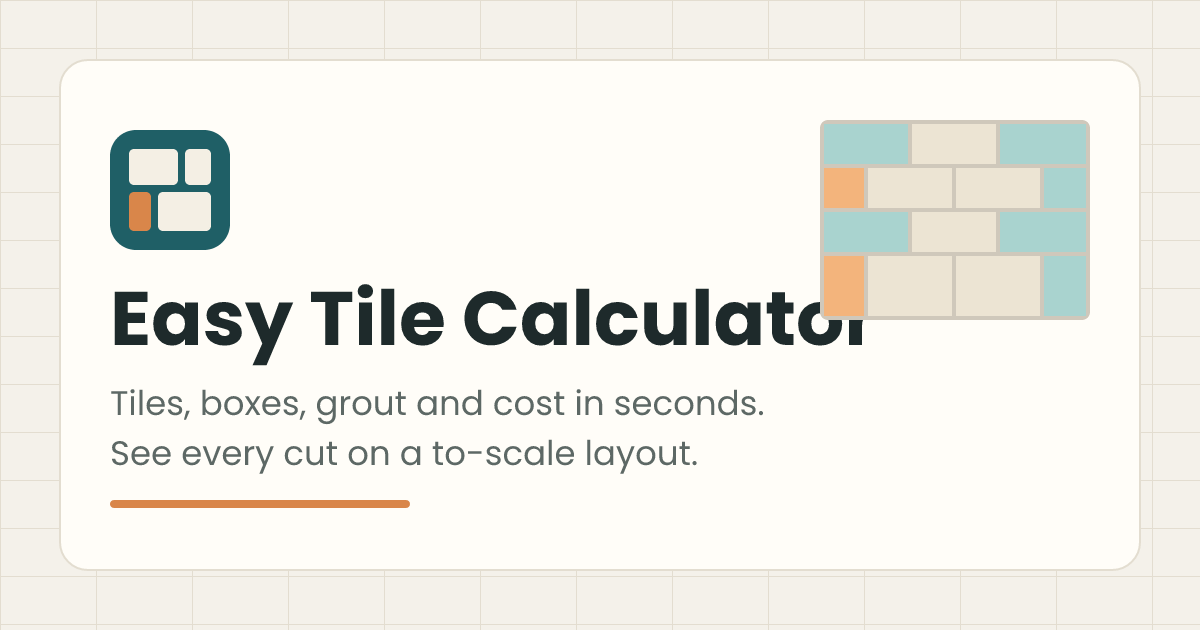
A browser planner for DIY tiling that turns room and tile dimensions into a visual layout. Seeing where cut pieces land helps a homeowner compare the pattern before buying materials or setting the first tile. The layout tool is free and does not require sign-up.
Easy Tile Calculator review
Who it's for
Easy Tile Calculator is a browser-based design tool for DIY homeowners planning floor or wall tiling. It turns surface measurements, tile dimensions and grout spacing into a scaled drawing, helping users compare patterns and spot awkward edge pieces before installation.
It suits rectangular surfaces best. The preview does not represent L-shaped corners or fixed obstacles, so it is not a complete room-planning tool.
Key features
- Scaled layout preview: Distinguishes full tiles, cut tiles and small cuts with beige, teal and orange shading.
- Five pattern options: Supports straight, half-offset, third-offset, diagonal 45° and herringbone 45° layouts.
- Tile and grout controls: Includes preset and custom tile sizes, a 90° rotation option and selectable grout joints.
- Automatic centering: Compares a tile-centered layout with a grout-joint-centered layout and keeps the option with wider edge cuts.
- Edge-cut checks: Labels edge widths for straight and offset rows. Small-cut warnings use width or height thresholds for these patterns and an area threshold for angled layouts.
- Purchase estimates and sharing: Reports full tiles, cut tiles, narrowest cut and tiles to buy, with adjustable breakage allowance. Users can copy a share link or print/save a PDF.
Pricing
The layout tool is free and does not require sign-up.
Pros and cons
Pros - Makes edge-cut trade-offs visible rather than relying solely on area calculations. - Includes explanations of centering, grout-joint calculations and pattern considerations. - Separates layout-based purchasing guidance from area-based waste allowances, explaining how to avoid counting cuts twice.
Cons - Draws only one rectangle; corners and obstacles remain outside the preview. - Counts each cut piece as a separate tile, so estimates may exceed actual needs when offcuts can be reused. - Multi-room totals, box counts, grout and cost calculations require the separate main tile calculator.
Verdict
Easy Tile Calculator offers a focused way to compare tile arrangements and assess perimeter cuts. Its strengths are the scaled preview, centering logic and clearly explained counting assumptions. Treat it as a rectangular layout-planning aid rather than a substitute for site measurements or a tool for modeling complex spaces.
Easy Tile Calculator alternatives
Similar Design Tools tools listed on WebSoftReview.
- CameraWatermarkFree EXIF camera watermark & frame maker — elegant gallery styles, local-only processing.
- HEIC.bestFree online HEIC converter — JPG, PNG, PDF and viewer in your browser
- Free HEIC to JPG ConverterFree HEIC to JPG Converter
- OldPhotoLive AIRestore, colorize, and animate old family photos with AI.
- PinumoFree screenshot tool for Chrome and Windows
- HD Image EnhancerEnhance blurry, pixelated or low-resolution photos in one click.
Questions & comments
Ask the maker of Easy Tile Calculator a question or share your experience.
- No comments yet. Start the conversation.
Are you the maker of Easy Tile Calculator?
Add this badge to your website so visitors can find your listing.

<a href="https://websoftreview.com/product/easy-tile-calculator" target="_blank" rel="noopener"><img src="https://websoftreview.com/badge.svg" alt="Easy Tile Calculator on WebSoftReview" width="200" height="54" /></a>